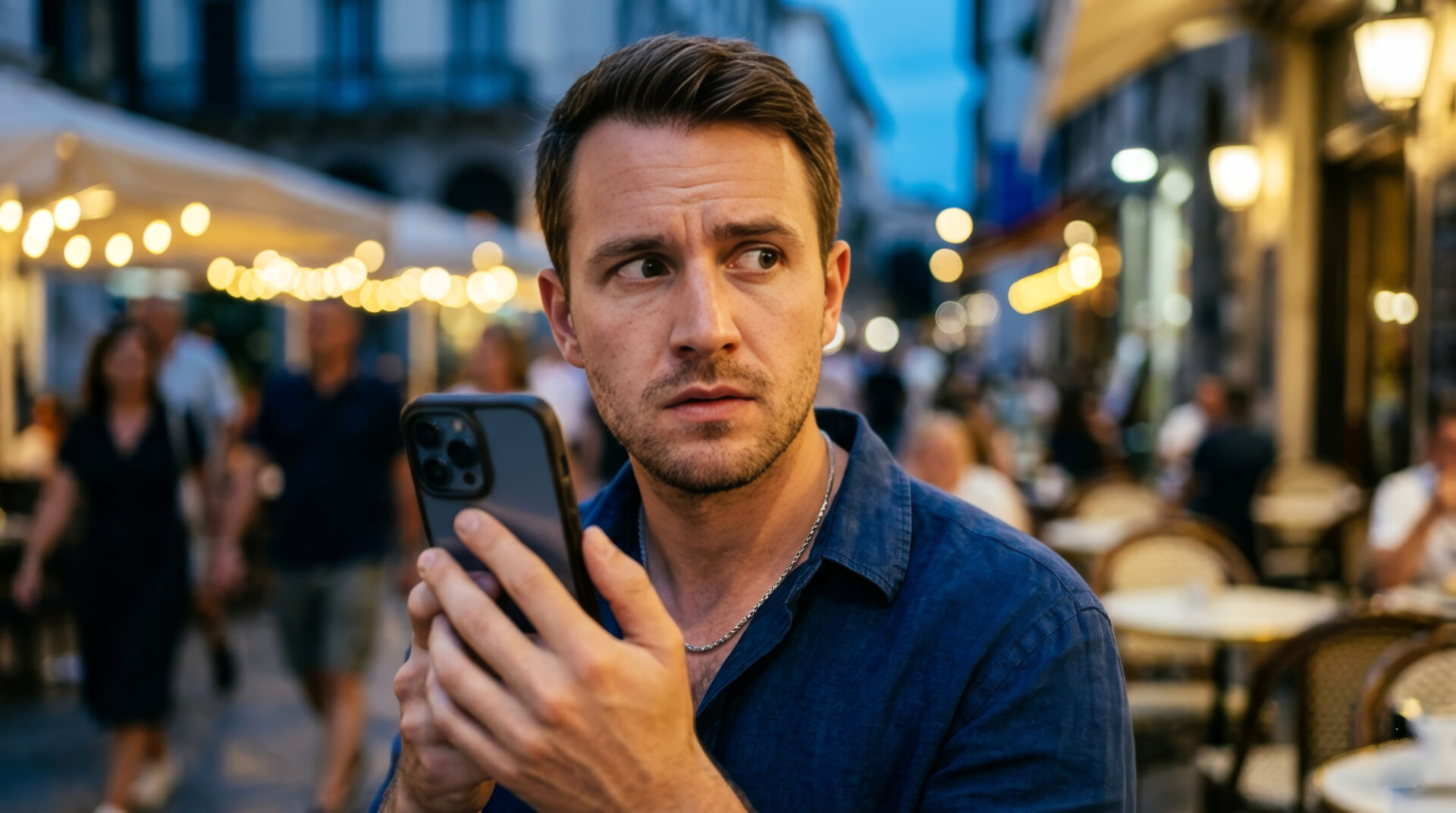



Streaming feels effortless until you leave home and your usual catalog suddenly changes. Movies and series you planned to watch may disappear, while apps start showing unfamiliar messages about availability. If you want to keep your favorite shows within reach, there are a few practical ways to make streaming travel with you. Keep reading, because the difference between frustration and smooth viewing is often smaller than it looks. With the right setup, you can enjoy a more stable, familiar streaming experience wherever you are.
Why do streaming libraries change when you travel?
Streaming platforms do not always offer the same titles in every country, because licensing is handled region by region. That means the Netflix or HBO catalog you know at home may look different once your device connects from abroad. Content rights determine which shows are shown where, and that is the main reason blocks appear. For you, this can feel random, but from the platform’s side it is a strict rights issue.
Location checks usually rely on your IP address, which is why the same app can behave differently on the same phone when you change networks. A mobile connection, hotel Wi‑Fi, or public hotspot can all signal a different country. Small shifts in connection details can also trigger different app behavior, especially if the service detects a mismatch. When you understand that logic, it becomes easier to choose a solution that fits your travel routine.
What should you check before leaving home?
Before you travel, it helps to review your subscriptions, devices, and account settings. A little preparation can save you from last-minute login problems or missing downloads. Offline access is your best backup option when the network is unstable or region rules become strict. It is also worth checking whether your account is set up with the right language and payment details.
Here are the most useful things to verify:
- app updates are installed on all your devices;
- your login details are saved and tested;
- downloads are completed before departure;
- your subscription is active in your home region;
- your devices are signed into the correct account;
- your internet setup is ready for secure use;
- you know how to switch between devices quickly.
Do a quick test at home before you leave, because that is the easiest moment to fix issues. Lumisim often recommends treating streaming prep the same way you would pack a charger or travel adapter. A few minutes of checking can prevent hours of wasted time later.
How can you keep access stable while abroad?
The most reliable approach is to use a connection setup that behaves consistently, especially if you move between hotels, airports, and cafes. Streaming apps prefer predictable network conditions, and unstable routing can lead to interruptions or blocked playback. A secure, steady connection reduces playback errors and makes it easier to keep watching without reloading the app. That matters even more if you stream on a TV stick, tablet, or shared family account.
Expert tip: “Keep your streaming setup simple before you travel. Test your account on the devices you will actually use, and make sure downloads, passwords, and app permissions are all working. If you rely on a private connection tool, choose one with stable servers and good speeds, because streaming quality drops fast when the connection fluctuates. The fewer variables you change abroad, the less likely you are to trigger access problems.”
It also helps to avoid jumping constantly between networks during a single session. If you start a film on one connection and then switch to another, the app may ask you to verify access again. A consistent routine lowers the chance of interruptions and helps your viewing feel more natural. That is especially useful on long trips, where the same account may be used on multiple devices.
Which devices make overseas streaming easiest?
Not every device handles travel streaming in the same way. Phones are flexible, but bigger screens often give you better comfort if you want to watch for longer sessions. Devices with strong app support and updates usually cope better with region-related changes and playback quirks. Your choice depends on whether you care more about portability, screen size, or ease of setup.
Some devices tend to work especially well:
- smartphones with the latest streaming apps;
- tablets for comfortable viewing on the move;
- laptops when you want more control over settings;
- smart TVs in temporary accommodations;
- streaming sticks with regular software updates;
- devices that support secure logins and saved profiles.
If you travel often, it can be smart to keep one dedicated streaming device ready to go. That way, you reduce the risk of account confusion or missing app settings. Lumisim users often prefer a small, predictable setup over a more complicated one with too many moving parts. Simplicity usually wins when you want entertainment to work the first time.
Why does video quality sometimes drop abroad?
Video quality often drops because the connection has to work harder to deliver data across more variable networks. Hotel Wi‑Fi, public internet, and overloaded cellular connections can all reduce speed or increase latency. Lower bandwidth directly affects playback resolution, which is why the picture may suddenly look softer or buffer more often. The app is not always the problem; the network path is often the real bottleneck.
Expert tip: “If your stream starts buffering, lower the video quality manually instead of waiting for the app to struggle. This can keep playback smooth and reduce repeated interruptions, especially on shared or unstable networks. It is also helpful to close background apps and pause large downloads so your device can devote more resources to streaming. Simple adjustments often produce a better result than forcing the highest resolution.”
You can also improve results by choosing quieter viewing hours, when fewer people share the same hotel or public network. That is a small detail, but it can make a noticeable difference. Streaming abroad is often less about maximum quality and more about finding a stable, enjoyable middle ground.
What should you do when an app says content is unavailable?
A content unavailable message usually means the service has detected a region mismatch or a temporary access issue. It can also happen after app updates, account changes, or network shifts. The first step is to stay calm and check the basics before assuming the problem is permanent. Most access errors are caused by location signals rather than account failure.
Try these checks in order:
- confirm your internet connection is working properly;
- close and reopen the streaming app;
- verify that your account is still active;
- check whether the title is available in your current region;
- restart the device if the error repeats;
- update the app to the newest version;
- switch to a different network and test again.
If the problem appears only on one device, the issue may be local rather than account-wide. If it happens everywhere, the region settings or network route may be the real cause. A calm, step-by-step check usually reveals more than repeated login attempts. That saves time and helps you avoid making the situation more confusing.
Is public Wi‑Fi a good idea for streaming abroad?
Public Wi‑Fi can be convenient, but it is rarely the best choice for private account use. Shared networks are more vulnerable to interruptions, slowdowns, and security risks. Public networks are often unstable and crowded, which can make streaming inconsistent and less secure. For a quick clip or trailer they may be fine, but for full episodes they are not ideal.
A safer approach is to use your own mobile data or a trusted private connection whenever possible. If you do need public Wi‑Fi, avoid logging in from unfamiliar portals that ask for unnecessary permissions. Lumisim’s approach is straightforward here: protect the connection first, then think about convenience. Your viewing experience gets better when security and speed are treated as part of the same decision.
How can you build a travel-friendly streaming routine?
A good streaming routine starts with consistency. If you follow the same prep steps each time you travel, you spend less energy solving problems on the road. A repeatable setup saves time and stress abroad because you always know what to check first. That is useful whether you are away for a weekend or several months.
Before each trip, make the same short checklist part of your routine:
- update streaming apps on all devices;
- download the content you may need offline;
- confirm your passwords and recovery options;
- test your internet backup plan;
- save important account details securely;
- pack the device and charger together;
- check which services work best in your destination.
The more predictable your routine becomes, the less you depend on luck. That matters when you want entertainment to feel easy rather than technical. A travel-friendly setup gives you more control and helps you enjoy your subscriptions with fewer surprises.
What is the smartest way to enjoy Netflix and HBO abroad?
The smartest approach is to prepare before you travel, keep your devices updated, and use a stable connection strategy. That combination gives you the best chance of smooth access without constant troubleshooting. Planning ahead is the simplest way to avoid blocks and keep your viewing experience comfortable. You do not need a complicated setup; you need one that works reliably for your habits.
A good mix of downloads, secure login access, and stable networking covers most situations. If you travel regularly, it is worth treating streaming like any other part of your digital routine. The more intentional your setup is, the less often you will run into interruptions. That gives you more time for the part that actually matters: relaxing and watching what you chose.
Frequently asked questions about streaming abroad
When you travel, streaming can feel unpredictable because apps, catalogs, and network conditions all change at once. The good news is that most problems have practical fixes, and you can prevent many of them with a little preparation. These answers focus on what you can check, what usually causes blocks, and how you can keep watching with fewer interruptions.
1. Why do Netflix and HBO show different catalogs when you travel?
Netflix and HBO change their libraries by country because content is licensed region by region. When you connect from abroad, your IP address tells the service that you are in a different location, so the available titles may change. This is normal and usually tied to rights agreements rather than a fault in your account. If you understand that, it becomes easier to plan for it before you leave.
2. What should you prepare before leaving home?
You should update your apps, test your logins, and make sure your subscription is active before you travel. It is also smart to download the shows you want to watch offline, because that gives you a backup if the network is weak or restricted. Check your devices in advance so you are not fixing problems in a hotel room. A few minutes of prep can save you a lot of frustration later.
3. How can you keep streaming access stable on the road?
The best way is to use a consistent, secure connection and avoid switching networks too often during a session. Apps often react poorly when your location signal changes between hotel Wi‑Fi, public hotspots, and mobile data. A stable setup also helps reduce playback errors and repeated logins. The simpler your travel routine is, the less likely you are to trigger access issues.
4. Which device is best for watching abroad?
A smartphone is the easiest to carry, but a tablet or laptop often gives you a better viewing experience for longer sessions. Devices with strong app support and regular updates usually handle travel-related changes more smoothly. If you travel often, a dedicated streaming device can reduce confusion and make setup faster. Choose the device that matches your comfort, portability, and reliability needs.
5. Why does video quality drop when you stream overseas?
Video quality usually drops because the connection is slower, more crowded, or less stable than what you have at home. Hotel Wi‑Fi and public networks often have limited bandwidth, so the app lowers resolution to keep playback going. You can improve this by closing background apps, lowering quality manually, and using a less congested network. It is often better to accept slightly lower quality than to deal with constant buffering.
6. What should you do if a title is marked unavailable?
First, check whether your connection is working and whether the app is up to date. Then confirm that the title is actually available in your current region, because many availability messages are tied to location rules. If the issue only happens on one device, restart it and try again; if it happens everywhere, the problem is likely with the region signal or network route. A step-by-step check usually solves it faster than repeated login attempts.
7. Is public Wi‑Fi safe for streaming your accounts abroad?
Public Wi‑Fi is convenient, but it is not the safest or most reliable option for streaming accounts. These networks are often crowded, unstable, and less secure, which can lead to interruptions or riskier logins. If possible, use your own mobile data or a trusted private connection instead. If you must use public Wi‑Fi, avoid unnecessary logins and be careful with any prompts that ask for extra permissions.