


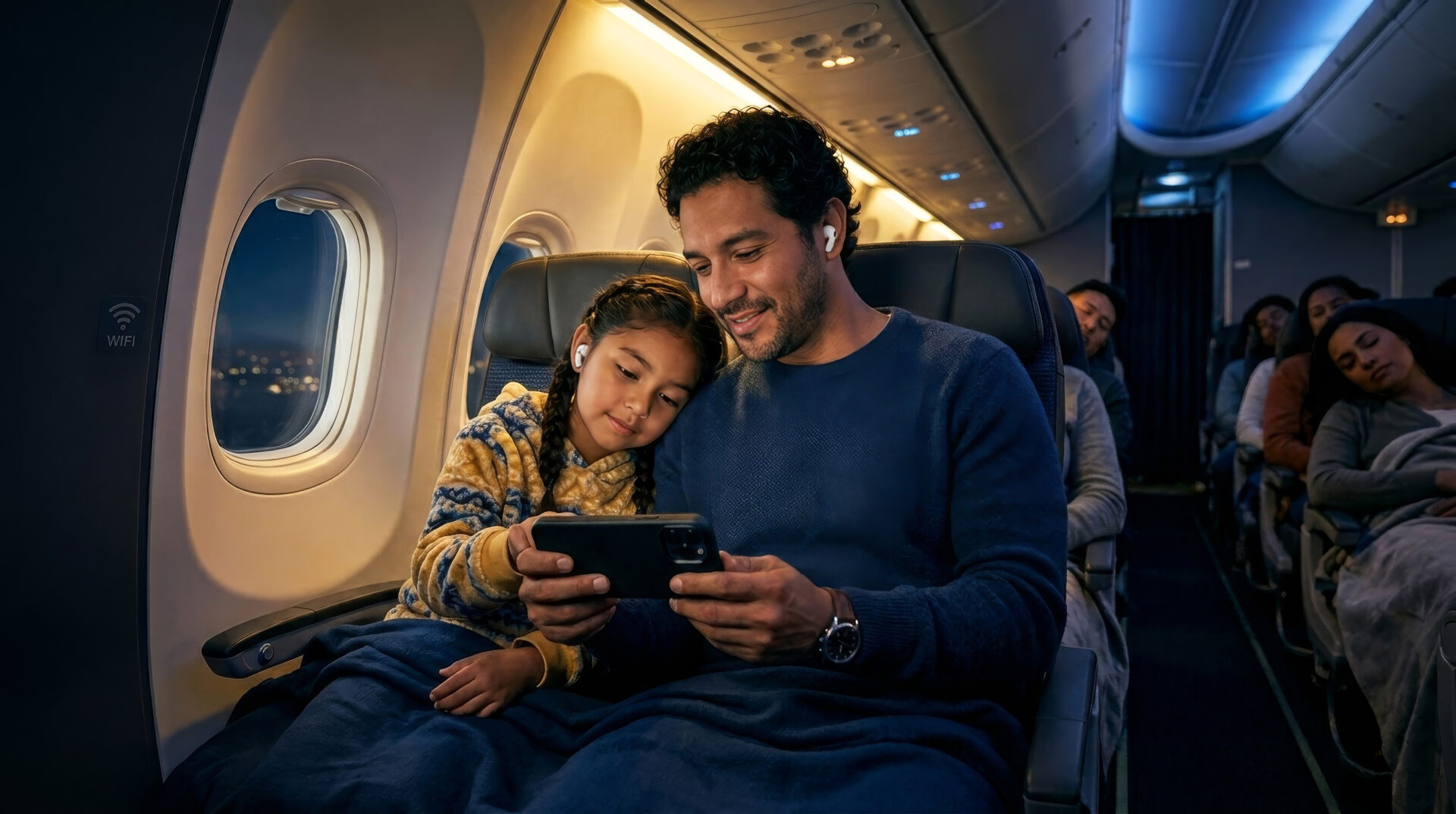
Flying can make you rethink what “being connected” really means, especially when you want to stay online without juggling plastic cards and roaming settings. eSIM feels modern, convenient, and almost effortless, which is exactly why so many people wonder how it behaves once the aircraft door closes. The answer is not as simple as a yes or no, because it depends on the flight mode, the airline’s connectivity options, and how your phone is configured. If you like practical travel advice, this guide will help you understand what to expect before takeoff and what to check before landing. Keep reading so you can travel smarter with Lumisim by your side.
Can eSIM connect while the plane is in flight?
When the aircraft is in the air, your phone should normally be in airplane mode, which disables cellular transmission. That means eSIM behaves like any other mobile line and cannot connect to a ground-based network during the flight. Some airlines offer onboard Wi-Fi, but that service is separate from your mobile plan and does not rely on your eSIM profile. If your device supports calls over Wi-Fi, that may become useful once the aircraft network is active and permitted.
Expert tip: “Before you board, install and activate your eSIM at home or at the airport, while you still have a stable connection. That way you can avoid setup issues after takeoff, when troubleshooting becomes much harder. “
After takeoff, your best move is to keep mobile data off unless the crew announces a specific onboard connectivity option. A well-prepared setup saves time, reduces stress, and helps you avoid accidental roaming charges. This is especially useful if you use Lumisim for travel plans across multiple countries.
What should you set up before boarding?
The best results come from preparing your phone before you enter the cabin. Your eSIM profile should already be installed, tested, and labeled so you can switch networks quickly if needed. This is also the moment to confirm that data roaming settings match the plan you bought. If you skip this step, you may spend the first part of your trip fixing something that should have taken two minutes.
- check that the eSIM is installed correctly;
- confirm that the plan is active before departure;
- label the line clearly in your phone settings;
- turn on roaming only if your travel plan requires it;
- save the carrier support details offline;
- download important travel documents in advance.
Once everything is ready, boarding becomes much calmer because your phone will behave predictably. You will also know exactly which line is responsible for data, calls, and messages. That clarity matters even more when you are traveling with a stopover or changing countries.
Why is airplane mode still necessary?
Airplane mode is required because it stops your phone from transmitting signals that could interfere with aircraft systems. Even if your eSIM is active, airplane mode disables cellular access completely until you manually allow an approved connection, such as Wi-Fi calling on some devices. That rule applies to physical SIMs and eSIMs alike, so there is no special exception just because your plan is digital. The convenience of eSIM does not replace the safety rules that govern flight.
Expert tip: “If you want to use onboard Wi-Fi, enable airplane mode first and then turn Wi-Fi on separately. This keeps your cellular radio off while still letting you use internet services the airline provides. On many phones, that sequence also prevents your device from trying to reconnect to terrestrial networks near the window.”
When you follow this order, your battery often lasts longer because the phone is not searching for a weak signal. You also reduce the chance of roaming surprises when the aircraft passes near coverage zones. For frequent travelers, that small habit can make a noticeable difference.
What can you actually do with your phone on board?
Your phone is still useful on a plane, even if regular mobile data is unavailable. You can use offline apps, read downloaded content, work on notes, and access files stored locally. If the airline offers Wi-Fi, your phone may support messaging, browsing, and some calling features through that connection. The key is knowing which functions rely on the internet and which ones do not.
Before the flight, it helps to prepare a short onboard toolkit:
- download movies, playlists, and podcasts;
- save boarding passes and hotel confirmations locally;
- switch on low-power mode to conserve battery;
- close background apps that drain energy;
- keep important contacts available offline.
With a little planning, the cabin becomes a place for quiet productivity instead of frustration. You are not fully disconnected, but you are working within the limits of the flight environment. That balance is often enough to keep the trip comfortable and organized.
How does onboard Wi-Fi differ from eSIM data?
Onboard Wi-Fi is a separate internet service provided by the airline or a partner network. Your eSIM may stay active in the background as a travel line, but the aircraft connection does not use mobile towers in the same way ground service does. That distinction matters because passengers sometimes assume their mobile plan should work once the plane is equipped with internet. In reality, the aircraft network is its own system with its own rules, pricing, and speed limits.
If you use a service like Lumisim, the eSIM can still be valuable before departure and after arrival. It is the bridge between airports, hotel check-ins, and local connectivity at your destination. During the flight, though, the plane’s Wi-Fi is the separate path you would use if online access is available.
What problems can happen if you forget to manage settings?
The most common issue is accidental roaming once the plane lands or during a layover. If your phone reconnects too early, background services may use data without warning and create unnecessary charges. Another problem is confusion between primary and secondary lines, especially when the phone tries to prioritize one profile over the other. These small settings mistakes are easy to avoid, but they can be annoying to fix mid-trip.
To keep things under control, review your mobile settings before each departure and after every landing. Pay attention to which line handles data, which one is used for voice, and whether your device is allowed to switch automatically. A few minutes of checking can save you money and prevent a lot of stress.
How can you make travel with eSIM smoother?
A smooth trip starts with a simple habit: prepare your phone before you leave home and keep the settings consistent throughout the journey. The safest approach is to separate flight mode, Wi-Fi, and mobile data so you always know what is active. That makes your device easier to manage when you move from airport lounge to cabin to arrival hall. It also gives you more confidence when you are traveling through multiple time zones or countries.
Take care of the basics before every flight:
- activate the correct eSIM plan in advance;
- check whether your destination requires roaming;
- turn off automatic line switching if needed;
- store carrier instructions in screenshots;
- keep a backup power bank in your carry-on;
- verify that your device is unlocked.
A little preparation goes a long way, and it becomes even more useful when your schedule is tight. Once your setup is reliable, you can focus on the trip instead of your phone. That is exactly the kind of convenience travelers appreciate from Lumisim.
What do you need to remember before takeoff and after landing?
The rule of thumb is simple: eSIM is useful before and after the flight, but not as a regular airborne network connection. During the flight, airplane mode remains the priority, while onboard Wi-Fi is the optional tool if the airline provides it. After landing, your eSIM can become active again and connect to local service according to your plan and settings. That transition is where most travelers either enjoy a seamless experience or run into avoidable confusion.
Keep your setup organized, and you will move through the trip with far less hassle. If something looks unusual, check the line settings before assuming there is a technical failure. In many cases, the solution is just one toggle away.
So, is eSIM useful when flying?
Yes, eSIM is useful around air travel, but not because it gives you normal cellular access at cruising altitude. It helps you arrive prepared, switch networks faster, and use data efficiently once the aircraft is on the ground again. Its real value is convenience across the whole journey rather than in-flight mobile service itself. That makes it a smart choice for frequent flyers and anyone who wants simpler travel connectivity.
If you treat eSIM as part of your travel setup instead of a replacement for airplane systems, you will get much more out of it. Use it for airport transfers, layovers, arrival data, and easy network switching at your destination. That is where it shines most.
Frequently asked questions about eSIM and airplane travel
If you are flying with an eSIM, the main thing to understand is when it can and cannot connect. The answers below focus on the settings, rules, and practical steps that help you stay connected without causing roaming problems or wasting time at the airport. Use this FAQ to make your phone setup smoother before takeoff and after landing.
1. Can your eSIM connect normally while you are on the plane?
No, not under normal flight conditions. Once you switch on airplane mode, your phone stops using cellular networks, so your eSIM cannot connect to ground-based mobile service during the flight. If the airline offers Wi-Fi, that is a separate connection and does not use your eSIM data plan.
2. Should you activate your eSIM before boarding?
Yes, you should install and activate it before you board. Doing this at home or at the airport gives you time to confirm that the profile works, the plan is active, and the line is labeled correctly. If you wait until after takeoff, troubleshooting becomes much harder and often impossible without a stable connection.
3. Why do you still need airplane mode if you are using an eSIM?
Airplane mode is still required because it turns off your phone’s cellular transmission, which is part of the aircraft safety rules. eSIM does not change that requirement, because it behaves like any other mobile line when it comes to radio signals. You can turn Wi-Fi back on separately if the airline allows onboard internet.
4. What settings should you check before a flight with eSIM?
You should confirm that the eSIM is installed, active, and clearly labeled in your phone settings. Also check whether data roaming should be on or off based on your plan, and make sure your device is unlocked and compatible with your destination’s network bands. It also helps to save carrier instructions and important travel documents offline before you leave.
5. Can you use onboard Wi-Fi with an eSIM phone?
Yes, if your phone and the airline support it. Onboard Wi-Fi is separate from your mobile plan, so your eSIM can stay installed while you use the aircraft’s internet service. The usual setup is to keep airplane mode on, then turn Wi-Fi on manually when the crew allows it.
6. What problems can happen if you do not manage your eSIM settings properly?
The biggest risk is accidental roaming when the plane lands or during a layover. Your phone may reconnect to a network too early, and background apps can use data without you noticing. You can avoid most of these issues by checking which line handles data, disabling automatic line switching if needed, and reviewing your settings before every flight.
7. Is eSIM actually useful for air travel if it does not work in the air?
Yes, it is very useful around the flight even though it does not give you normal in-flight mobile service. You can use it before departure, after landing, and during layovers to switch networks quickly and reduce setup hassle. Its biggest advantage is convenience across the full trip, especially if you travel often or cross borders frequently.