


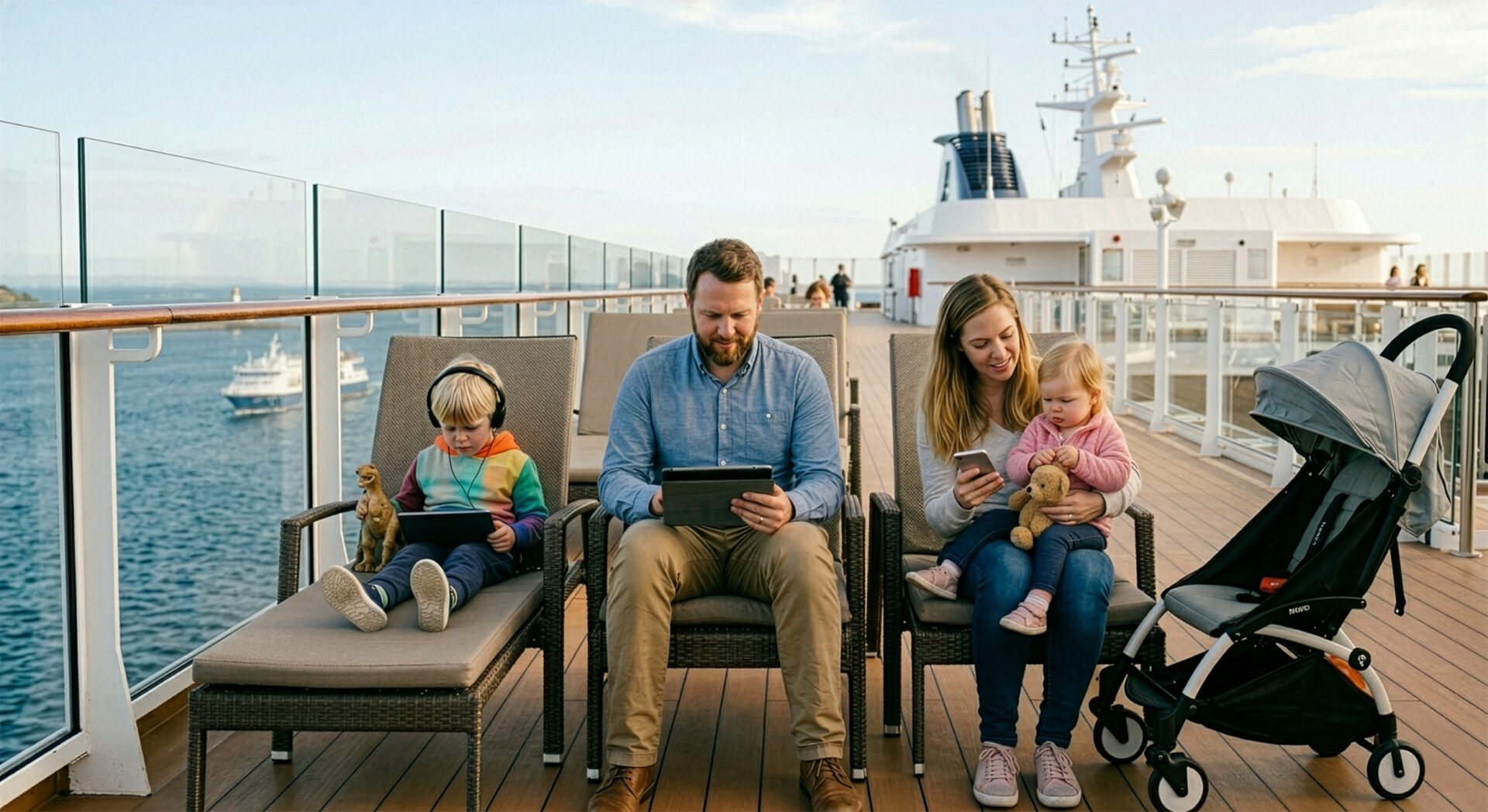
Spring break abroad feels easier when everyone can stay connected without stress. You want your child to have access to maps, messages, entertainment, and learning apps, while you keep control over costs and safety. The right connection also helps you avoid last-minute chaos at airports, hotels, and sightseeing spots. If you want travel to feel lighter and more organized, it is worth planning internet access before you leave. Read on for practical ideas that help both kids and parents stay online with confidence.
Why is internet access so useful during a family trip abroad?
Internet access makes family travel smoother because it supports both comfort and quick decisions. You can check opening hours, translations, tickets, and directions without relying on weak hotel Wi‑Fi. Reliable connectivity reduces travel stress for the whole family. For children, it means entertainment during transfers and access to familiar communication tools.
It also helps you set clear rules from the start, which matters when several devices are used on one trip. When everyone knows what is available, you avoid arguments about data limits or which app can be used. That small bit of structure often makes the holiday feel calmer and more predictable.
How do you choose the best internet option for children?
The best option depends on where you are going, how long you stay, and how many devices need access. A good choice should be easy to activate, safe to manage, and flexible enough for both adults and kids. The simplest solution is often the one you control best.
- check whether your destination has strong mobile coverage;
- estimate how much data your family really uses;
- choose a plan that supports multiple devices if needed;
- look for easy top-up options in case usage grows;
- verify whether parental controls are available;
- compare roaming, eSIM, and local SIM prices;
- keep the setup simple enough for quick use.
For family trips with children, convenience often matters more than chasing the absolute lowest price. Lumisim can be a practical example of a service that helps you keep the setup straightforward and predictable. The goal is not only to connect devices, but to make the whole experience easier for everyone involved.
What should you set up before departure?
Expert tip: “Test your internet solution at home before the trip, especially if you plan to use it on several devices. Make sure the phone, tablet, or hotspot connects properly and that login details are saved in more than one place. If your child uses apps for games, learning, or calls, open them once before departure so there are no surprises abroad. A short trial run can save you a lot of time after landing.”
Preparation should also include practical details like charging cables, power banks, and password storage. If children use tablets or phones, it helps to explain basic rules before you leave, not after problems appear. Good preparation lowers the chance of expensive mistakes abroad. This is also the moment to decide who is responsible for checking usage, because shared responsibility works better than improvising later.
How can you keep children safe online while traveling?
Family trips often mean more screen time, but that does not have to become messy or unsafe. Clear rules about apps, downloads, and communication help children use the internet without opening doors to unwanted content. Safe online habits should travel with your family.
- use parental control settings on phones and tablets;
- disable automatic app downloads on child devices;
- explain which websites and apps are allowed;
- keep payment methods protected with passwords;
- avoid public Wi‑Fi for sensitive logins;
- check location sharing settings before departure;
- remind children not to accept unknown contacts.
A calm, matter-of-fact approach works better than strict warnings that only create resistance. When children understand why the rules exist, they are more likely to follow them. That makes online safety part of the trip routine rather than a constant source of tension.
How do you manage data use without overspending?
Data costs can rise fast when several people stream video, upload photos, or use navigation apps all day. The smartest approach is to match usage to the trip style instead of guessing. Expert tip: “Set data-saving habits before the journey begins, such as offline maps, downloaded playlists, and lower video quality. Turn off background updates and cloud syncing unless they are truly needed. A family that plans usage together usually avoids the shock of an unexpectedly large bill.”
It also helps to define which activities are high priority and which ones can wait for hotel Wi‑Fi. For example, navigation, communication, and booking confirmations matter more than constant streaming. Small usage habits can protect your travel budget. When you combine planning with a sensible plan from Lumisim, staying connected becomes easier to manage day by day.
Which devices are worth connecting on a family holiday?
Not every device needs full-time access, and that is useful to remember before you pack. Phones usually come first because they handle calls, messages, maps, and tickets, while tablets often support children’s entertainment and learning. Prioritize devices by real travel need.
- parent phones for navigation and coordination;
- child tablets for offline-friendly entertainment;
- backup phone for emergencies and hotspot use;
- smartwatches if they are used for contact or location;
- laptops only when work or bookings require them;
- portable routers when several people share one connection;
- power banks for all devices that travel often.
A good family setup is usually simple rather than overloaded. The less time you spend switching between accounts and chargers, the more time you have for the actual trip. That kind of organization makes the whole holiday feel lighter and far less technical.
How does internet help parents stay calm on the trip?
Parents often carry the invisible load of family logistics, and stable access can ease that burden. When you can check routes, messages, reservations, and emergency information instantly, you spend less energy solving avoidable problems. Fast access to information supports better decisions. It also gives you more confidence when plans change, which is common during trips with children.
This matters especially in airports, train stations, and crowded tourist areas where one small delay can affect the whole day. If your child is occupied and you can still coordinate details, tension stays lower on both sides. That calmer rhythm often becomes one of the biggest travel benefits of staying connected.
How can you combine freedom and control for kids?
Children usually want flexibility, while parents want peace of mind, and both needs can be met with a clear setup. The best solution gives kids enough access to feel included without turning the trip into an endless screen session. Balance is easier when rules are simple. A family plan works best when everyone knows when the internet is for fun and when it is for practical use.
A short daily routine can help here: check messages, use maps, enjoy a planned amount of entertainment, then put devices away. That structure is especially useful on longer travel days or during quiet evenings in the hotel. When expectations are clear, the internet becomes a support tool rather than a point of conflict.
How do you keep connectivity smooth from start to finish?
Smooth connectivity starts with choosing a solution that fits the trip and ends with habits that keep it reliable throughout the stay. Check coverage, activate the service early, and make sure every important device has what it needs before you leave. The best travel internet is planned in advance. That way, you are not trying to solve setup issues after a long flight or during a tired evening with children.
Keep your priorities practical: communication, safety, and convenience first, entertainment second. If you build the trip around those needs, you will feel more in control and less dependent on chance. And when your family can stay connected without effort, the whole holiday feels more relaxed.
Frequently asked questions about family travel internet abroad
Spring break trips work best when you know how your family will stay connected before you arrive. The answers below focus on the practical choices that matter most for kids and parents, from setup and safety to data use and device management. Use them to make your trip calmer, cheaper, and easier to coordinate.
1. Why do you need internet access for a family trip abroad?
You need internet access so you can handle maps, tickets, translations, and last-minute changes without stress. It also gives your children access to familiar apps, messages, and entertainment during travel time. When everyone can connect, you spend less time improvising and more time enjoying the trip.
2. What is the best internet option for kids on vacation?
The best option is the one you can manage easily and that fits your destination, trip length, and number of devices. In many family trips, a simple setup such as an eSIM, local SIM, or portable hotspot works better than complicated roaming arrangements. Choose the option that gives you control, easy activation, and predictable costs.
3. What should you prepare before leaving home?
Test your connection setup at home before departure and make sure every device can access the internet properly. Save login details, download useful apps, and open any child apps in advance so nothing fails after landing. You should also pack chargers, power banks, and a plan for who will monitor usage.
4. How can you keep your children safe online while traveling?
You can keep children safer by using parental controls, limiting downloads, and setting clear rules about which apps and websites are allowed. Avoid letting them use public Wi‑Fi for anything sensitive, such as logins or payments. It also helps to explain the rules calmly before the trip so they understand the reasons behind them.
5. How do you avoid high data bills abroad?
The easiest way is to plan usage before the trip and reduce unnecessary background activity. Use offline maps, download entertainment in advance, and lower video quality when streaming is needed. You should also decide which activities are essential, such as navigation and messaging, and which ones can wait for hotel Wi‑Fi.
6. Which devices should you connect first on a family holiday?
Start with the devices that support travel essentials, usually parent phones for maps, communication, and reservations. Children’s tablets can come next if they are needed for entertainment or learning, followed by any backup devices. If several people share one connection, prioritize the devices that help you stay organized and safe.
7. How do you keep internet use balanced for kids and parents?
Set simple rules for when the internet is for practical use and when it is for fun. A daily routine helps: check messages, use maps, allow a set amount of entertainment, then put devices away. That balance gives your children freedom while helping you stay in control of time, costs, and family calm.